In short: Spreadsheet billing is the manual billing process many finance teams use when their ERP can’t handle a customer’s contract. A billing analyst pulls usage data into Excel, rebuilds the contract terms by hand, calculates the amount owed, and creates the invoice manually, every billing cycle.
It’s common, it’s risky, and it usually affects your largest customers. This guide explains why non-standard billing breaks ERPs, what it costs, and how billing automation can help.
What is non-standard billing?
Non-standard billing covers any deal that doesn’t fit your billing system’s default setup. Common examples include:
- Custom pricing tiers negotiated by large customers
- Usage-based or consumption-based pricing with tiered thresholds
- Multi-entity customers with different terms for each business unit
- Bespoke invoice formats, delivery requirements or billing schedules
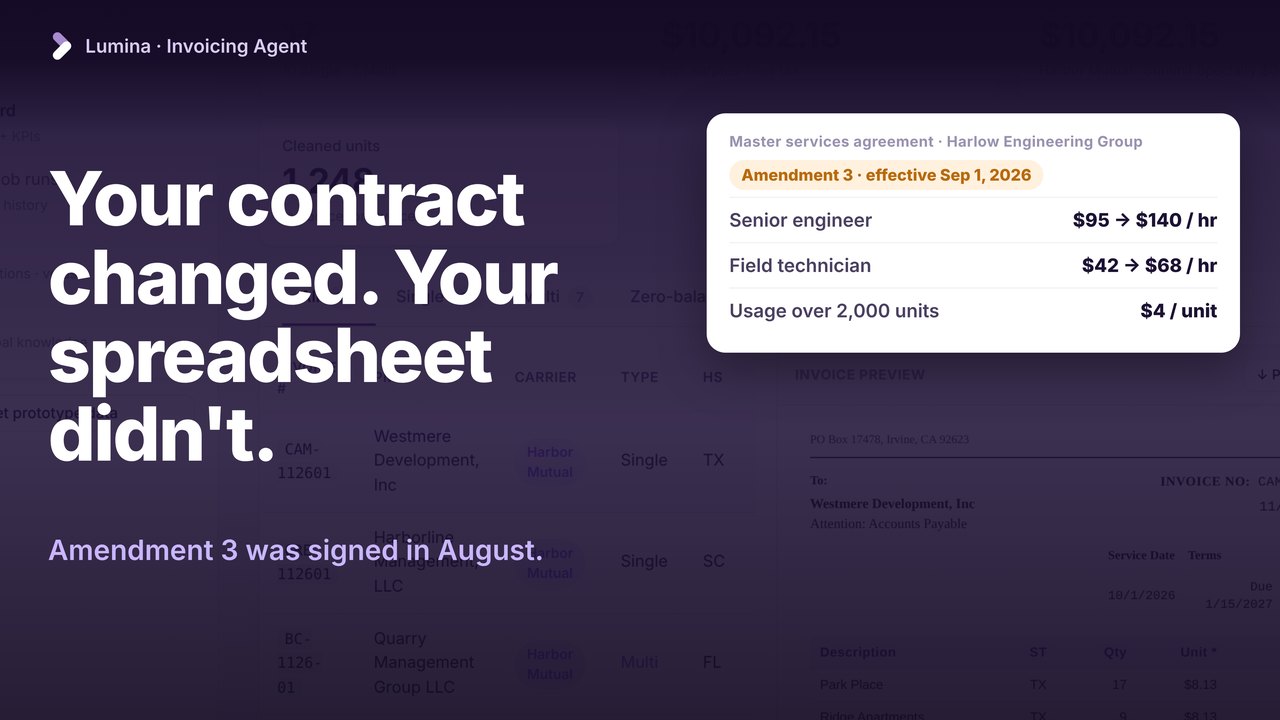
- Contract amendments that change terms mid-term
Most billing systems are built for repeatable patterns such as fixed subscriptions and standard price books. When a deal falls outside those patterns, the system can’t bill it automatically.
Why ERPs struggle with non-standard and usage-based billing
ERPs like NetSuite and billing tools like Salesforce Billing work well for standard deals but often hit these limits:
- Rigid data models. Complex tiered contracts are hard to represent without heavy customization.
- Usage data complexity. Usage-based billing means matching high-volume usage records against contract terms, and tiers can change the price mid-cycle.
- Data silos. Contracts, CRM records, usage data and the ERP live in different places and don’t always reconcile.
- Custom work that systems don’t support. Teams fill the gap with manual steps.
The result is spreadsheet billing, also called manual billing or off-system billing.
The hidden costs of spreadsheet billing
Higher risk of billing errors
Every manual step, including copying usage data, replicating contract terms and applying tiers, creates a chance for error. The accounts billed this way are often your biggest, so the errors are the most costly.
Strained customer relationships
Large customers review invoices closely. Some contracts allow customers to escalate, or even end the relationship, after repeated incorrect invoices. One mistake might be forgiven. A pattern of mistakes is much harder to recover from.
Slower collections and higher DSO
An invoice that the customer believes is wrong is hard to collect on. Disputes generate tickets and research, payments are delayed, and DSO rises.
Rebilling, back-billing and write-offs
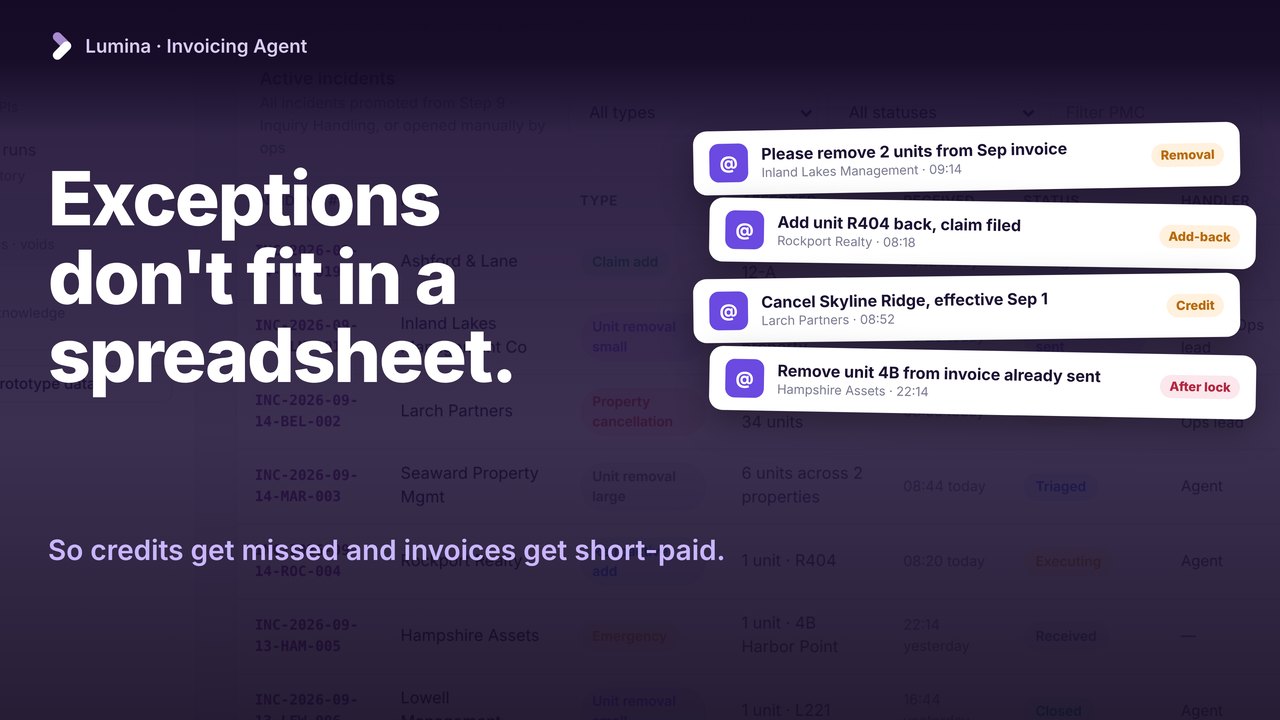
Incorrect or missed invoices lead to credits and rebills. When billing is missed for months, back-billing creates large invoices customers don’t expect and often resist paying. Some of that revenue is never collected.
Key-person dependency and slow month-end close
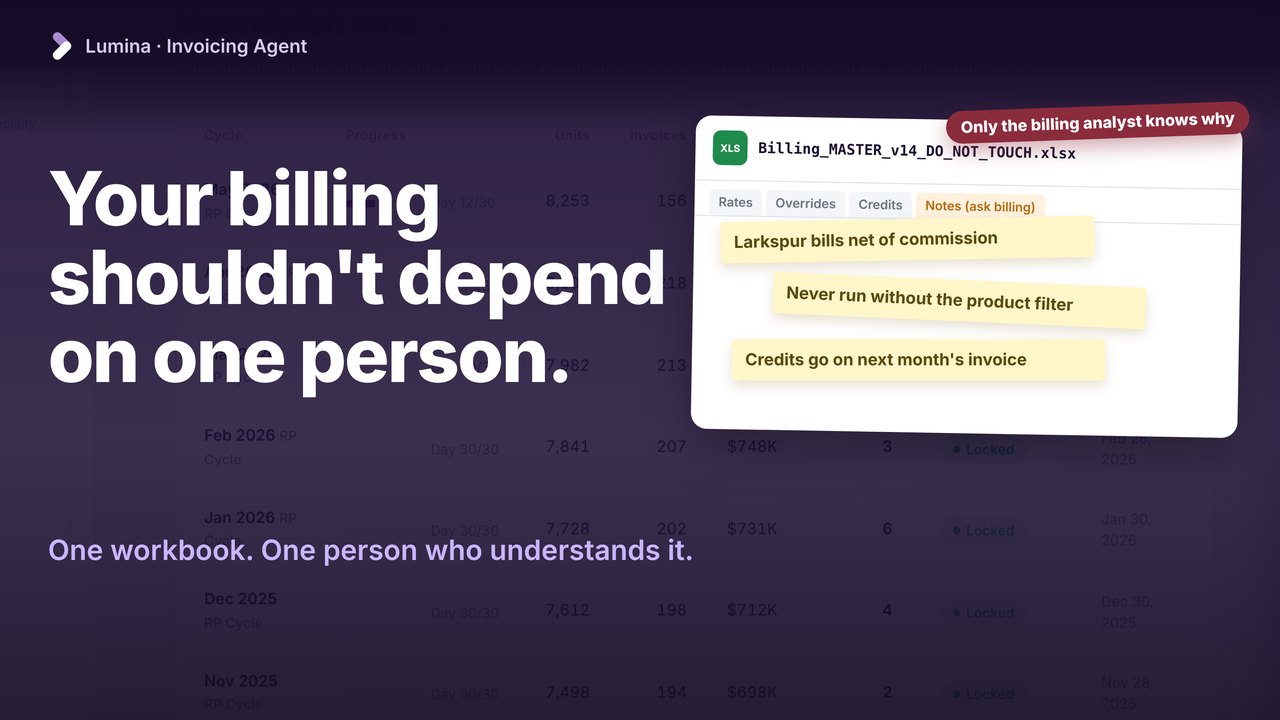
Manual billing often depends on one analyst who knows how each complex customer is billed. It also takes days every cycle, which slows month-end close.
How to reduce billing errors in a manual billing process
If you can’t replace spreadsheet billing right away, you can reduce the risk:
- Inventory your off-system customers. List every account billed manually and why.
- Measure the effort and error rate. Track hours per cycle and credits or rebills caused by manual invoices.
- Document each billing process. Capture the steps that live only in people’s heads.
- Standardize templates and controls. Use consistent calculation templates, review steps and sign-offs.
- Prioritize by risk. Start with the accounts where an error would do the most damage.
How billing automation and AI agents handle non-standard invoicing
Billing automation built around fixed rules struggles with exceptions, and non-standard deals are all exceptions. AI invoicing agents can be configured around each customer’s contract and requirements instead. They can:
- Reconcile usage data against contract terms
- Flag exceptions, such as customers who should be billed but aren’t
- Generate invoices based on customer-specific rules, such as single or multiple invoices
- Deliver invoices by each customer’s preferred method, such as email or upload
- Keep an audit trail of every billing cycle and transaction
Finance teams stay in control. Analysts review exceptions and approve results instead of rebuilding calculations. See how this fits into order-to-cash automation on top of the ERP you already run.
Frequently asked questions
What is spreadsheet billing?
Spreadsheet billing is a manual process where teams calculate usage and contract charges in Excel and create invoices by hand, usually because their billing system can’t handle the deal.
Why can’t my ERP bill non-standard deals automatically?
ERPs are built around standard, repeatable pricing. Custom tiers, negotiated terms and complex usage-based pricing often fall outside what the system can model without heavy customization.
What is the biggest risk of manual billing?
Errors on your largest accounts. These can lead to disputes, slower collections, rebilling and strained customer relationships.
Can AI automate usage-based billing?
AI agents can reconcile usage and contract data, flag exceptions and generate invoices to customer-specific rules. People review and approve the outcomes.
How do I start moving away from spreadsheet billing?
Start by listing your manually billed customers, measuring the time and errors involved, and prioritizing the highest-risk accounts for automation.
Conclusion
Spreadsheet billing exists because systems can’t represent real-world deals, not because finance teams lack discipline. The costs are billing errors, slower collections, strained customer relationships and extra manual work. Automating non-standard billing with agents built around your actual contracts reduces that risk while keeping your team in control.
See how Lumina’s AI agents automate non-standard invoicing. Book a demo →